Speedtest by Ookla5.0.5
Publisher Description
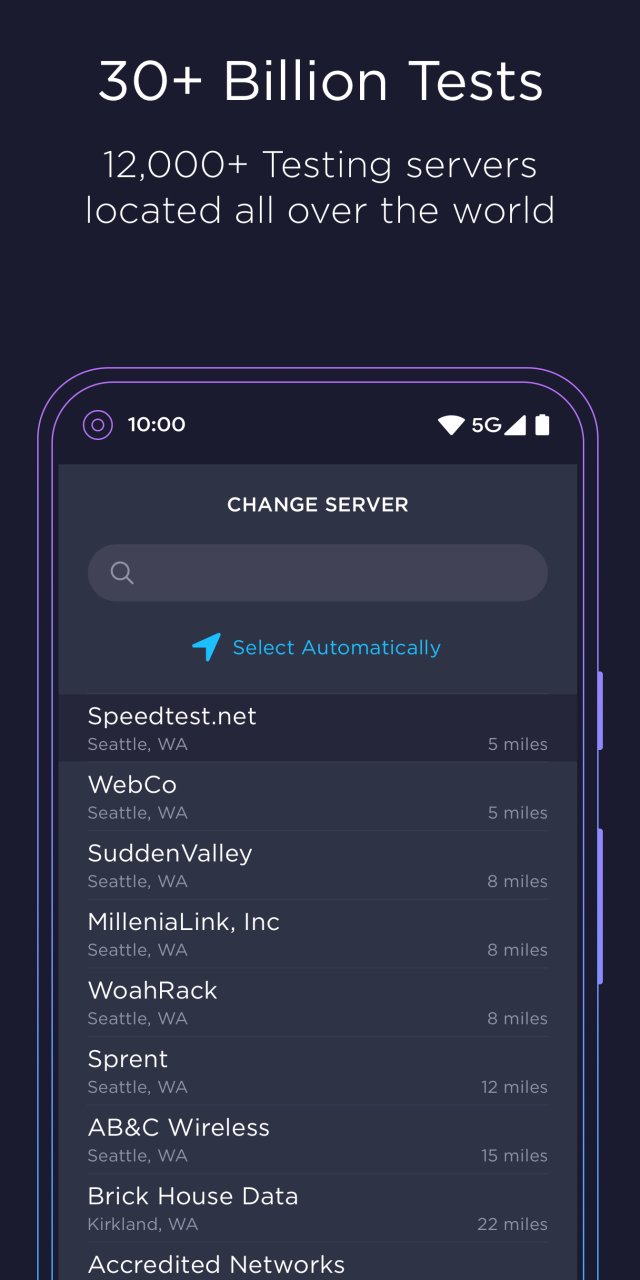
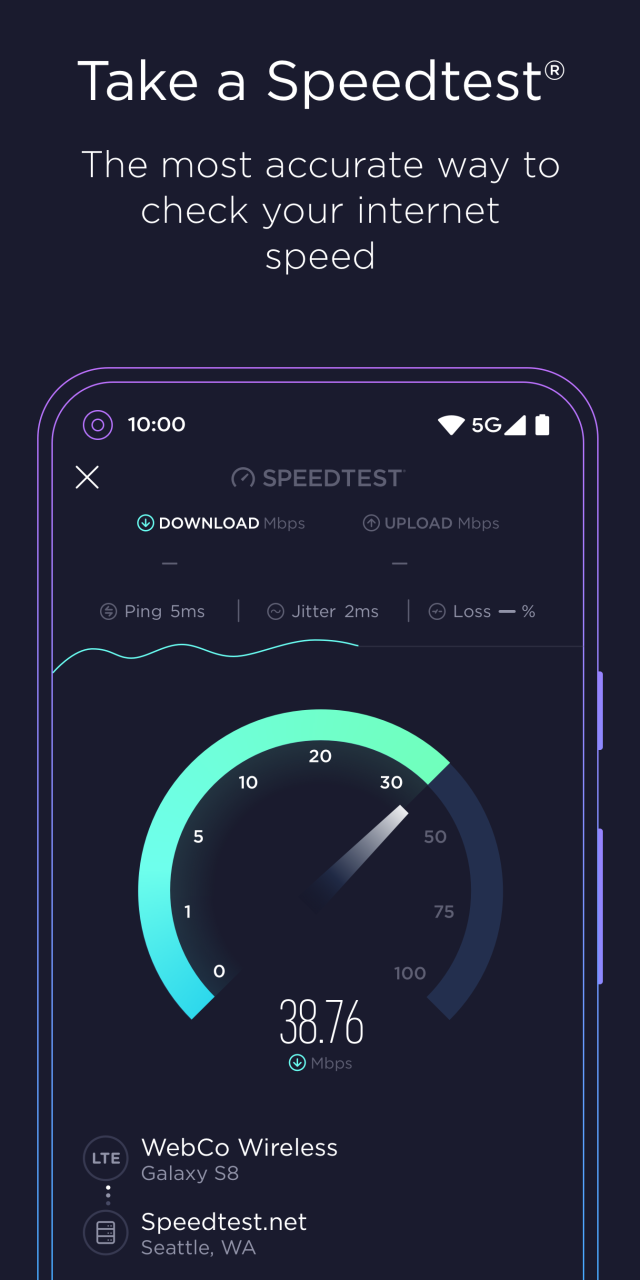
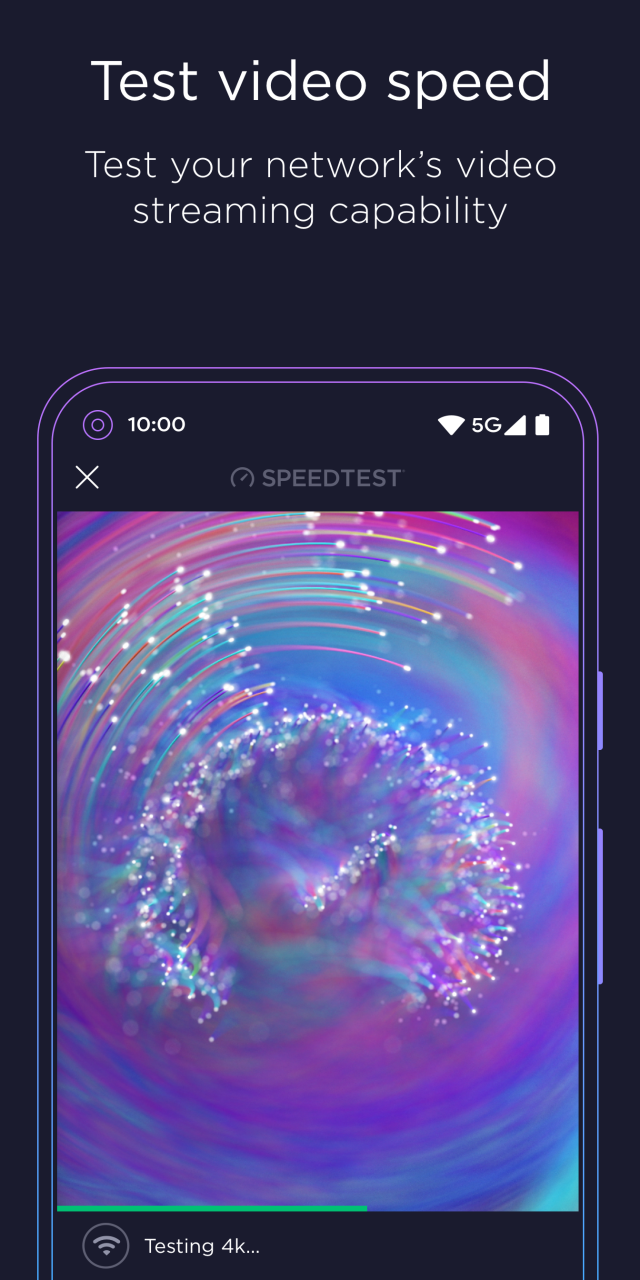
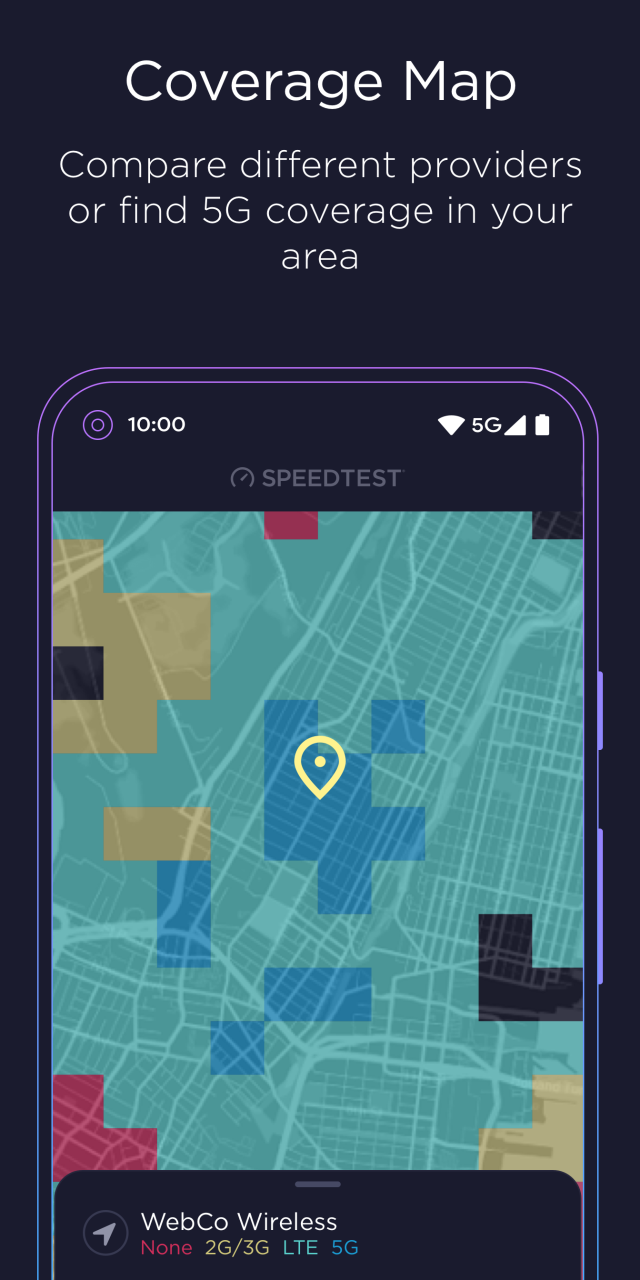
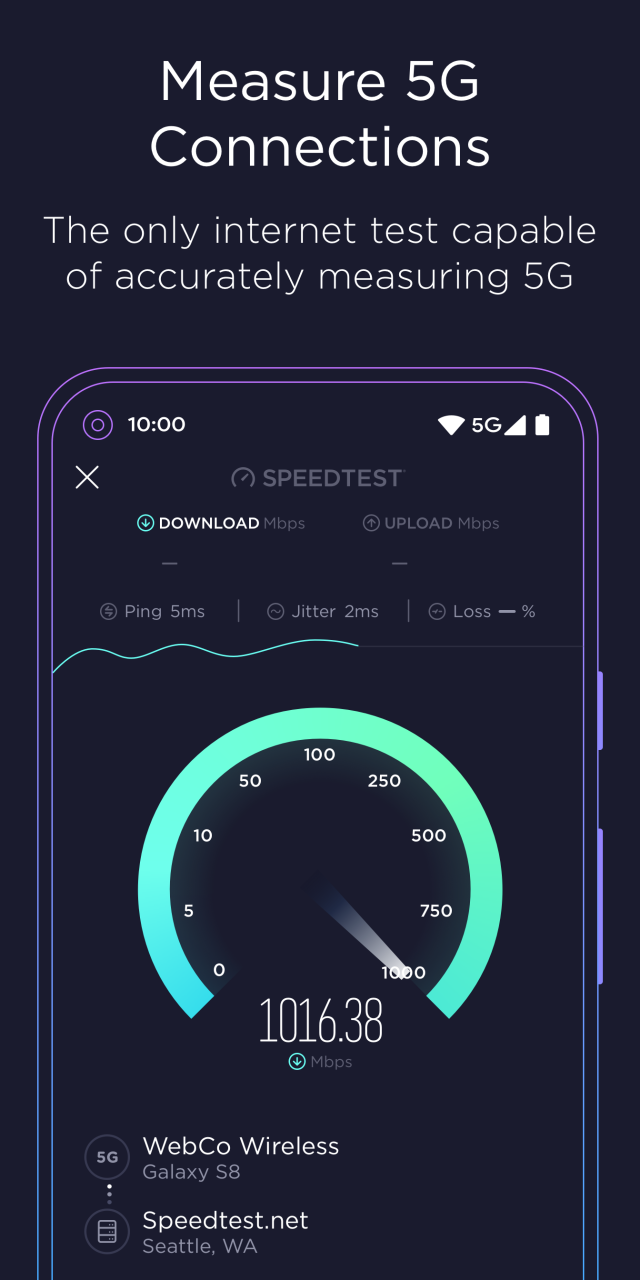
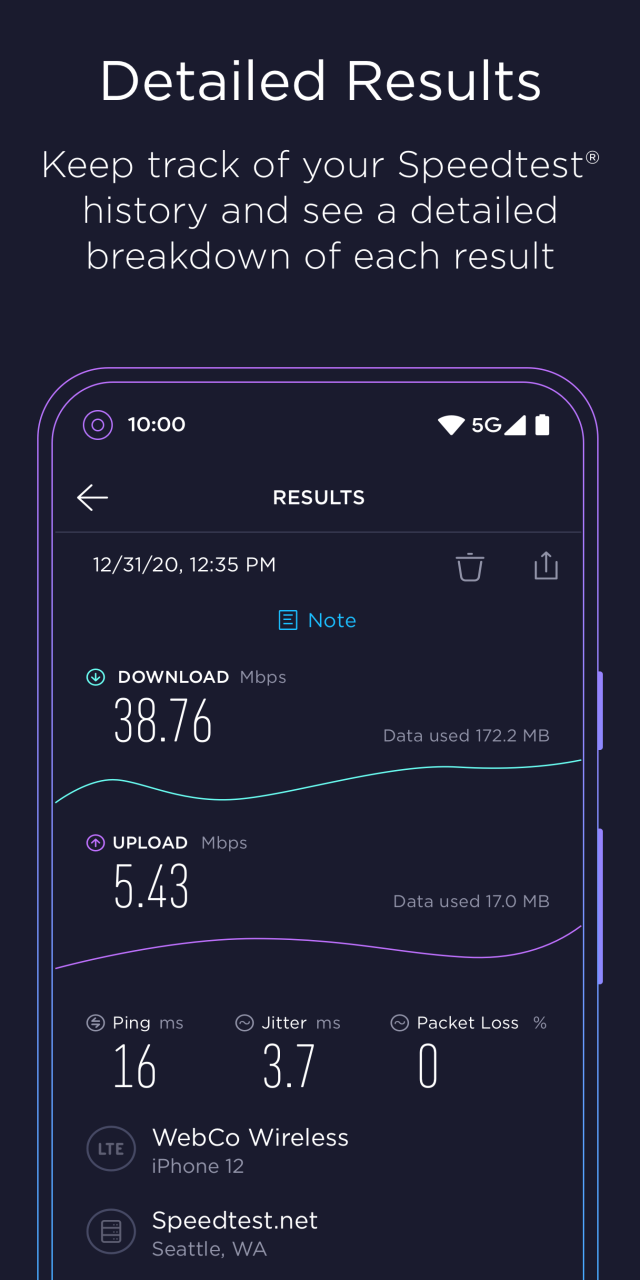
Use Speedtest® by Ookla® for an easy, one-tap connection internet performance and speed test —— accurate anywhere thanks to our massive global server network.
Millions of people have made Speedtest the #1 tool for testing internet speeds, and it’s trusted daily by professionals throughout the industry:
- Discover your download, upload and ping
- The only internet connection test capable of accurately measuring 5G
- Real-time graphs show connection consistency
- Mobile carrier coverage maps
- Test with a single connection to simulate downloading a file or multiple connections to understand max speed
- Troubleshoot or verify the speed you were promised
- Track past tests with detailed reporting
- Easily share your results
We encourage you to read our updated Privacy Policy: https://www.speedtest.net/privacy
Do not sell my personal information: https://www.speedtest.net/about/ccpa
About Speedtest by Ookla
The company that develops Speedtest by Ookla is OOKLA, LLC. The latest version released by its developer is 5.0.5.
To install Speedtest by Ookla on your Huawei device, just click the green Continue To App button above to start the installation process. The app is listed on our website since 2023-06-16 and was downloaded 8 times. We have already checked if the download link is safe, however for your own protection we recommend that you scan the downloaded app with your antivirus. Your antivirus may detect the Speedtest by Ookla as malware as malware if the download link to C10526874 is broken.
How to install Speedtest by Ookla on your Huawei device:
- Click on the Continue To App button on our website. This will redirect you to Huawei Store.
- Once the Speedtest by Ookla is shown in the Huawei Store listing of your Huawei device, you can start its download and installation. Tap on the Install button located below the search bar and to the right of the app icon.
- A pop-up window with the permissions required by Speedtest by Ookla will be shown. Click on Accept to continue the process.
- Speedtest by Ookla will be downloaded onto your device, displaying a progress. Once the download completes, the installation will start and you'll get a notification after the installation is finished.
